
Blog
Choose the charging cable for your exact Vip Pro model

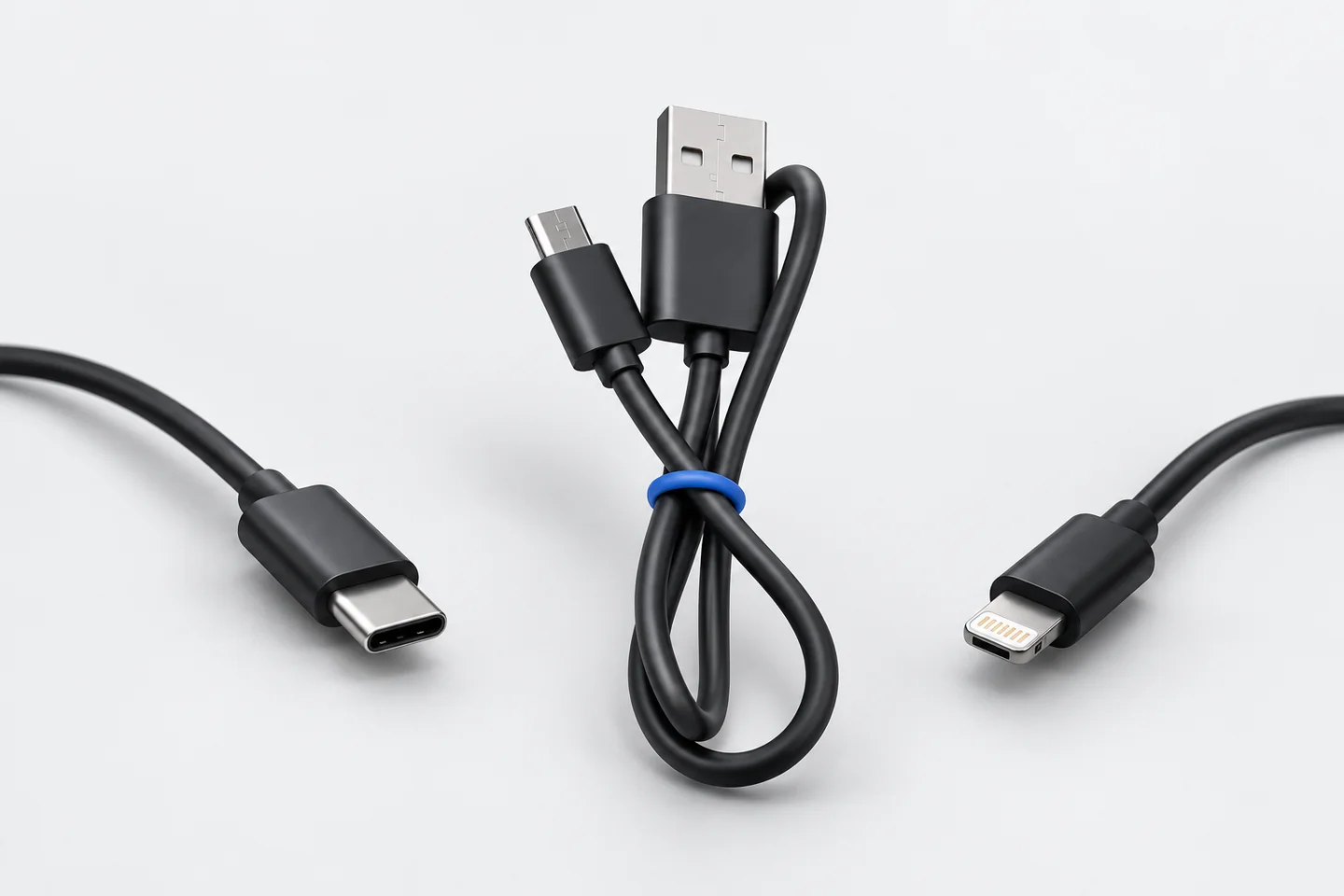
CooMax has charging accessories for several equipment types. A cable that fits one bridge should not be assumed to fit every Bluetooth, GSM or camera device in the catalogue.
Start with the equipment name
Find the model on your order confirmation or original product page. Then check the corresponding guide and the accessories included with that model. This prevents a replacement order based only on the appearance of a small connector.
The USB Charging Cables listing offers separate Micro USB, Bluetooth pen, Mini USB, USB-C and Nano V4-V5 options. Each selected option supplies one cable. Choose the option that matches your exact device, then follow its stated charging requirements.
Keep MegaMini accessories together
The Vip Pro MegaMini Bluetooth kit lists a rechargeable LIR640 battery, charging case, USB-to-MicroUSB charging cable and MicroUSB-to-Type-C adapter. These belong to that model’s charging arrangement.
The Mini, SuperMini and UltraMini earpieces that use 337/SR416SW cells have a different power system. Charging the Bluetooth bridge does not recharge those replaceable earpiece batteries.
Check cable and power supply separately
- Device. Confirm the exact model and which component you want to charge.
- Connector. Compare its charging port with the accessory listing and guide.
- Power supply. Read the voltage and current requirements stated for that model.
- Condition. Check the existing cable and port for visible damage before use.
- Guide. Follow the model’s charging procedure and indication of charge.
A connector fitting the port does not by itself establish the required power supply. Camera, GSM and Bluetooth models can specify different charging arrangements. Use their individual instructions.
Send a clear replacement enquiry
If you cannot identify the accessory, send our team your order details, model name and a clear photograph of the equipment and port. Keep any personal order information inside the support conversation.
It is helpful to say whether you need only a cable, an adapter, a charger or a complete charging case. Those are separate items and can have different compatibility requirements.
Browse CooMax accessories or open the model instructions. Check the current delivery options when ordering a replacement for an upcoming authorised task.
For a new complete setup, use the earpiece buying guide to identify the connection and power components before selecting extra charging accessories.