
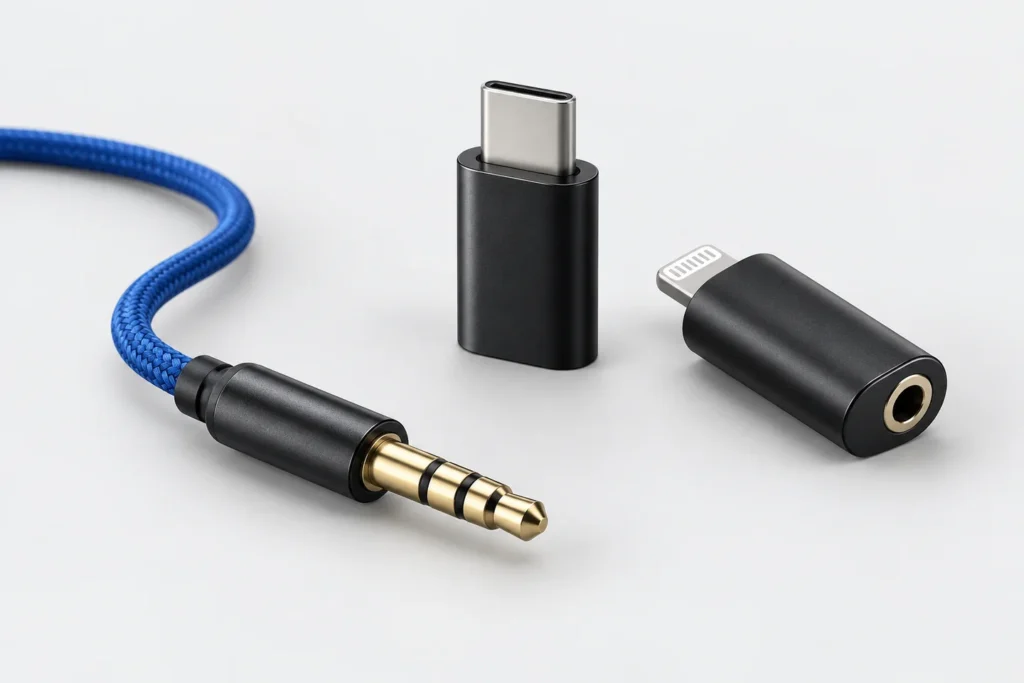
Jack earpieces: check the phone adapter and microphone

A 3.5 mm connection needs a compatible audio path. Check whether a phone adapter supports the microphone as well as incoming sound.
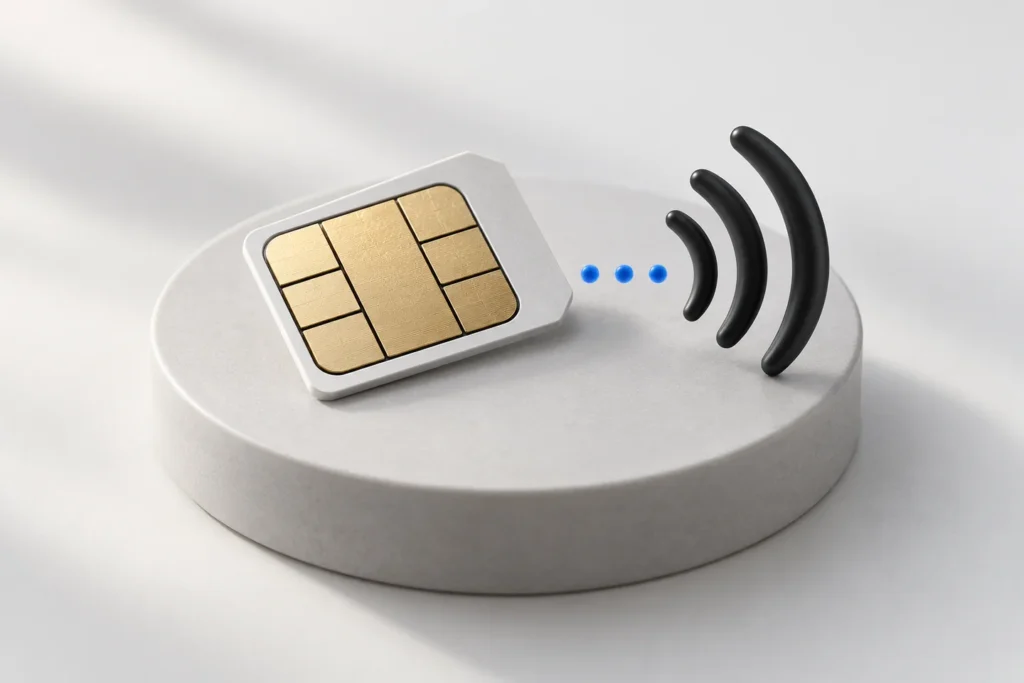
Prepare a nanoSIM for a GSM Piece earpiece kit
Check the SIM service, exact device version and call function before setting up a GSM Piece. Keep the earpiece battery and GSM unit charging separate.
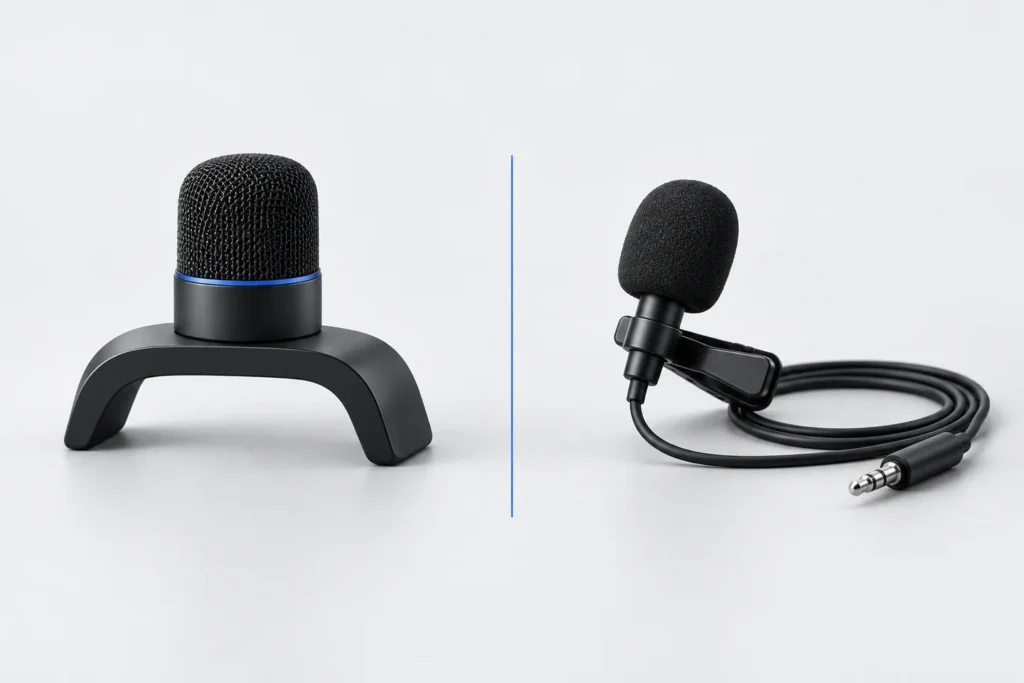
Built-in or wired microphone: what changes in your kit?
A microphone affects the sound your helper receives, while the earpiece handles the sound you hear. Check the microphone option and test both directions.
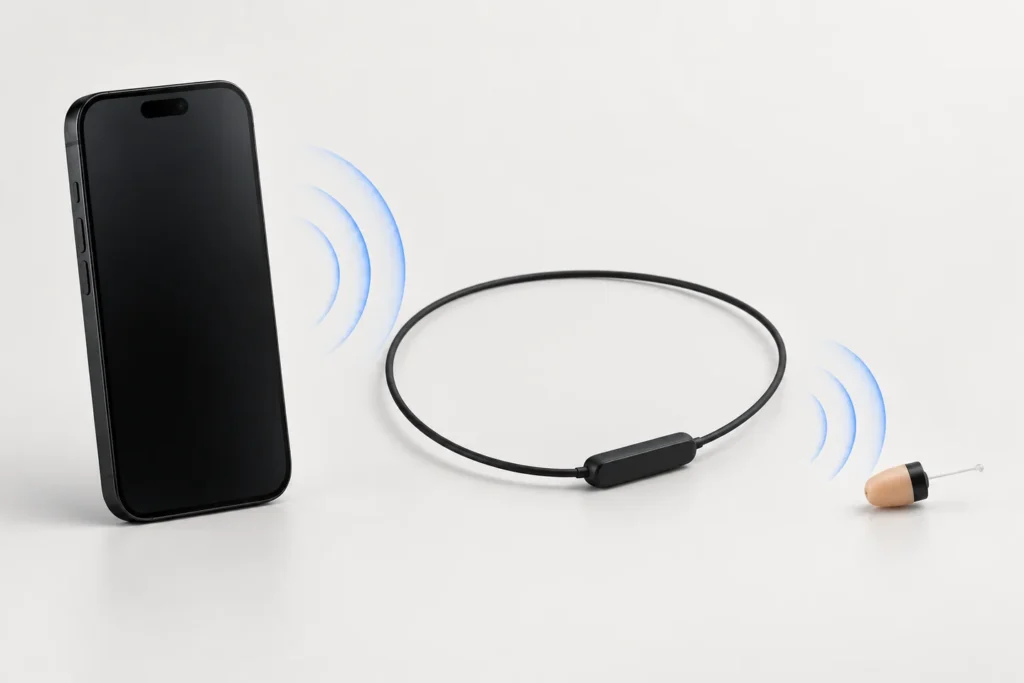
How an induction earpiece and neckloop work together
Follow the audio path from a phone to the induction bridge and then to the earpiece. Understand why the bridge still matters in a wireless kit.
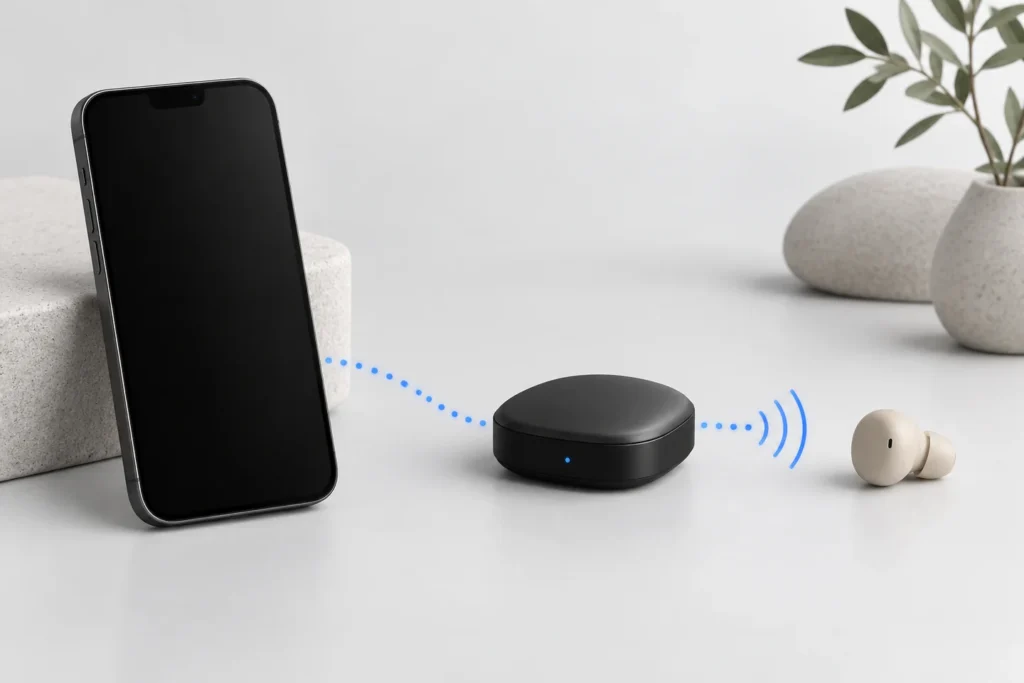
Bluetooth spy earpieces: check your phone compatibility
Check the Bluetooth bridge, call audio, microphone and kit contents before pairing a Vip Pro system with your iPhone or Android phone.