
Blog
No sound from your Vip Pro earpiece? Check the audio path

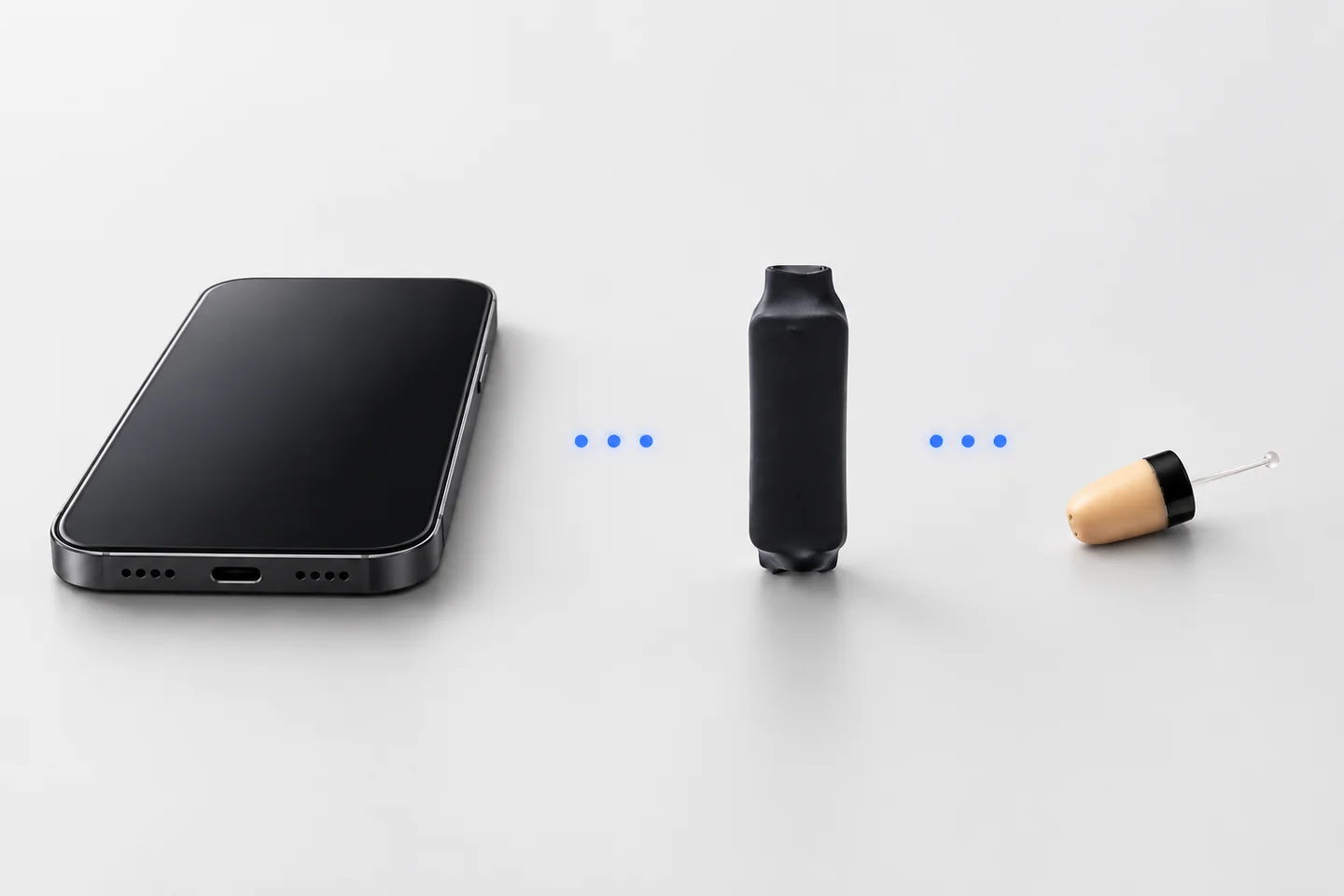
Missing audio does not immediately mean the earpiece has failed. A muted source, the wrong phone output, an uncharged bridge or a depleted earpiece battery can interrupt the same listening path.
The bridge checks below concern Jack, Bluetooth induction and GSM kits. Collar-free MegaMini Bluetooth uses a different design; follow its dedicated instructions before applying checks for an induction bridge.
Start with the connection you own
| Connection | First check |
|---|---|
| Jack | The wired connection and any phone adapter |
| Bluetooth | Pairing and the selected call or media output |
| GSM | The charged unit and whether its SIM can receive calls |
A GSM Piece receives calls through its own SIM. Bluetooth pairing with a smartphone is not its normal call setup. The GSM Piece guide is the relevant starting point for that model.
Check one stage at a time
- Source audio. Confirm that your call or recording is active. Check mute and the audio route. Test calls and media separately if only one fails.
- Bridge power. Recharge the Bluetooth or GSM unit as its guide specifies. A Jack neckloop has different power requirements and needs no charging.
- Earpiece battery. Check the specified battery. Charging the bridge does not charge a replaceable 337/SR416SW cell.
- Induction arrangement. Put the bridge or neckloop in the position shown in the guide. Try the documented setup before changing several variables.
- Repeat a short test. Change one item at a time and note what happens.
Keep useful notes
Write down whether the earpiece is completely silent, quiet, intermittent or working only on recordings. Note the phone model, app and bridge connection. These observations narrow the checks much more than simply saying the kit does not work.
If the equipment appears damaged or the guide does not match your model, stop and ask our team. Keep physical care, insertion and removal to the procedures in the supplied safety guidance.
Open the right instructions
Use the Jack guide, Bluetooth Piece guide or GSM Piece guide. MegaMini Bluetooth has its own guide and battery arrangement.
Still need help? Contact CooMax support with the checks you have completed and your order or model details. A clear account helps the team identify the next appropriate step.
To understand the connection you are troubleshooting, compare Jack, Bluetooth and GSM connections and follow the matching model guide for its actual design.