
Blog
Bluetooth Inductor Piece: a practical pairing checklist

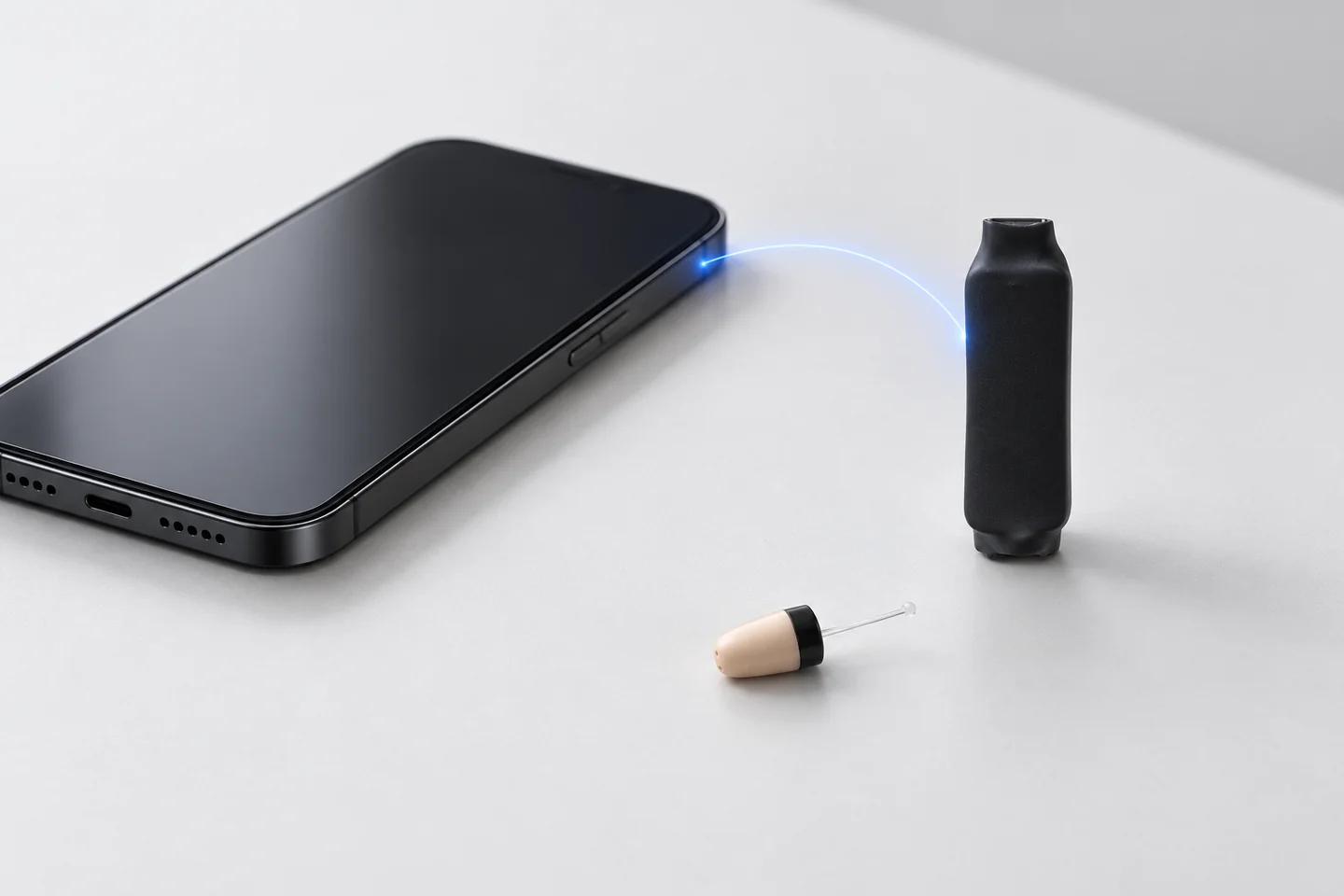
When a Bluetooth kit will not connect, separate pairing from listening. Pairing establishes the phone-to-piece connection. The matching earpiece, its battery and the induction arrangement complete the audio path.
Prepare the correct unit
Confirm that you have the Bluetooth Inductor Piece kit. The GSM Piece looks like another compact bridge but handles calls with a SIM. MegaMini Bluetooth and induction necklaces also have their own instructions.
Charge the Bluetooth Piece according to the guide. Keep the phone and unit near each other for the initial test. Open the Bluetooth Inductor Piece instructions and follow the documented power and pairing procedure.
Check the phone connection
- Make sure Bluetooth is enabled on the phone you intend to use.
- Use the guide to identify the correct device in the Bluetooth list.
- Check whether the piece has connected to another nearby phone you have used before.
- Follow the guide if a previous pairing needs to be removed and established again.
- Confirm that the phone shows the intended connection before testing audio.
Do not copy a button sequence from a different Vip Pro model. Similar names and appearances can cover different hardware arrangements.
Test media before testing a call
Play a short recording at a comfortable level. Check that the phone routes sound to the Bluetooth connection, then confirm that you hear it through the earpiece. If the phone says connected but audio plays through its speaker, check its current output selection.
Next make an agreed test call. Check incoming sound and the integrated microphone. Some audio problems occur only inside a particular app or call route, so note whether ordinary calls and recordings behave differently.
Record the point where the test fails
Useful descriptions include “the phone cannot find the piece”, “it connects but recordings play on the phone”, and “I hear the call but the helper cannot hear me”. Include the phone model and the guide step you reached.
If pairing succeeds but the earpiece is silent, also check its battery and the documented induction position. Repeating pairing alone does not check those parts.
Open the complete Bluetooth Piece guide for model-specific steps, or contact our team with your test results. Browse spares and accessories only after confirming which component you actually need.
If the kit name is unclear, compare Jack, Bluetooth and GSM connections before following a pairing procedure. The comparison separates phone pairing from SIM-based calls.