
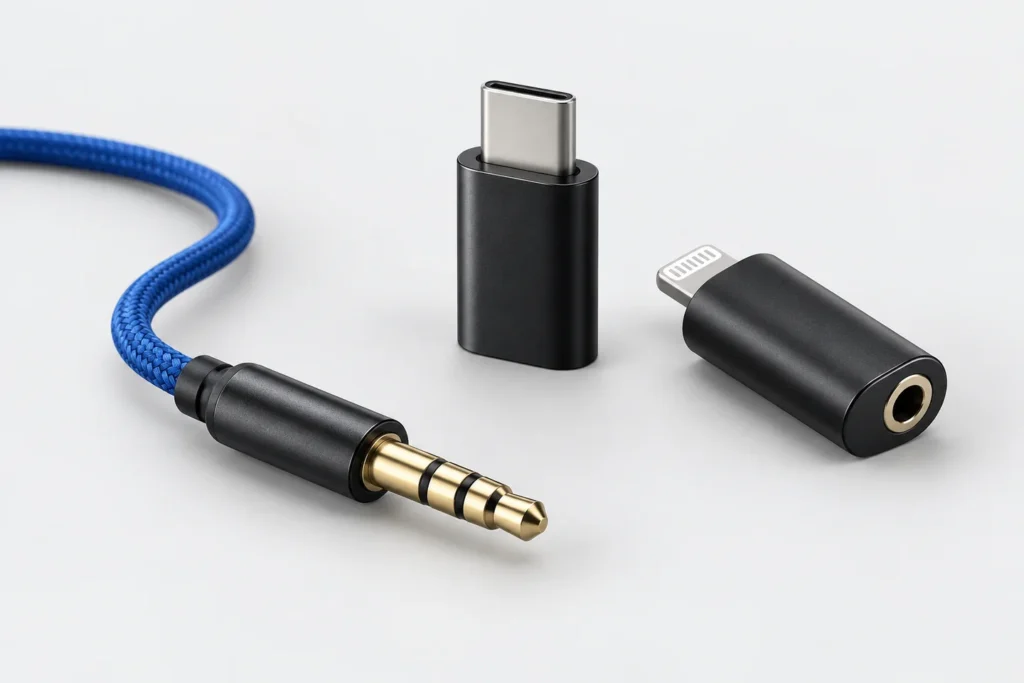
Jack earpieces: check the phone adapter and microphone

A 3.5 mm connection needs a compatible audio path. Check whether a phone adapter supports the microphone as well as incoming sound.
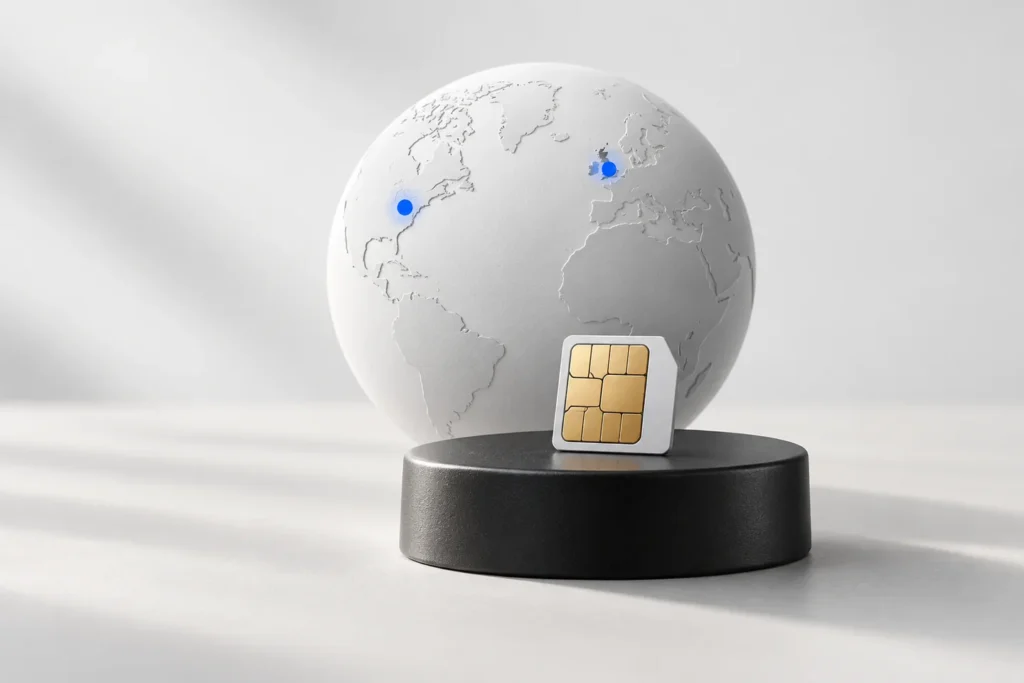
GSM earpieces in the UK and US: check the network first
Match the exact cellular unit to the operator, voice service and destination. Avoid treating the GSM name or a 4G label as a universal compatibility promise.
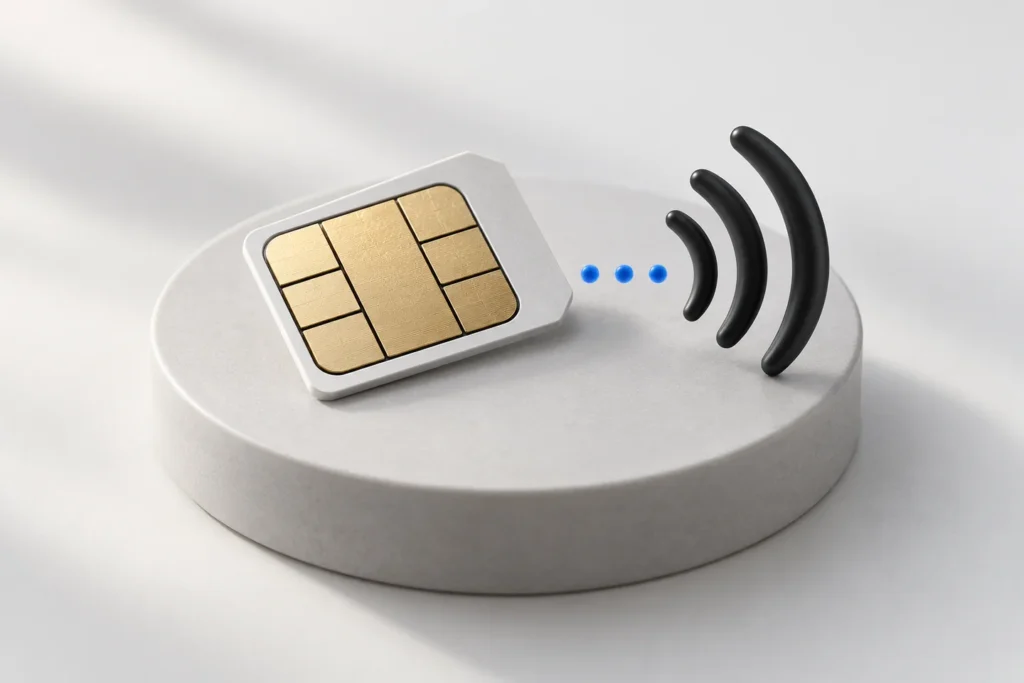
Prepare a nanoSIM for a GSM Piece earpiece kit
Check the SIM service, exact device version and call function before setting up a GSM Piece. Keep the earpiece battery and GSM unit charging separate.
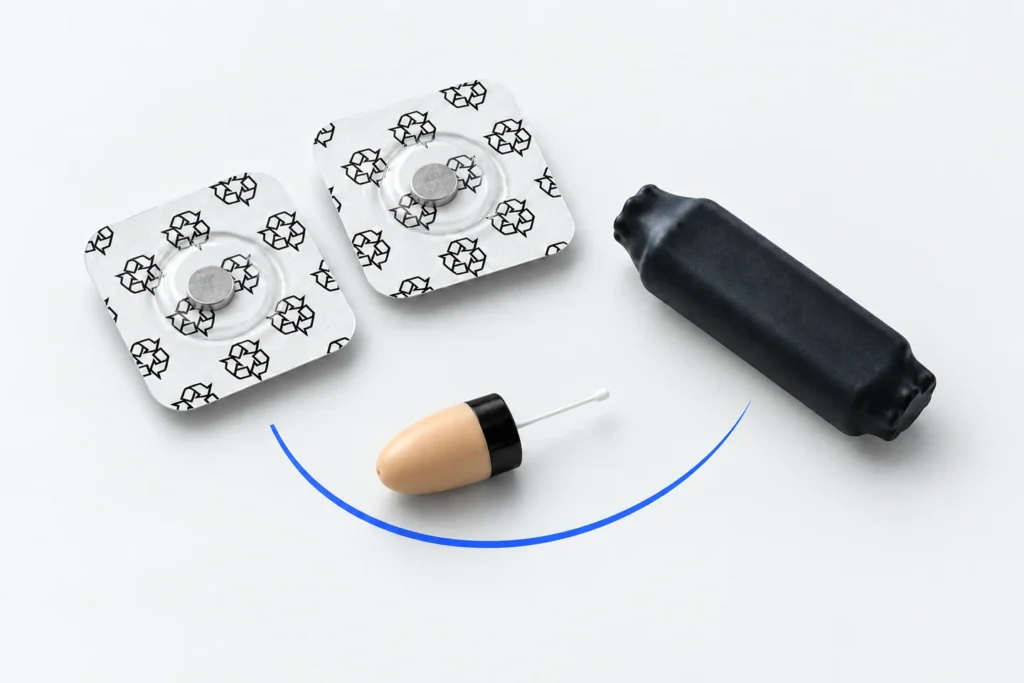
Full earpiece kit or spare accessory: check what is included
Read kit contents and option selectors together. Check whether a listing includes the bridge, earpiece, batteries and charging items you need.
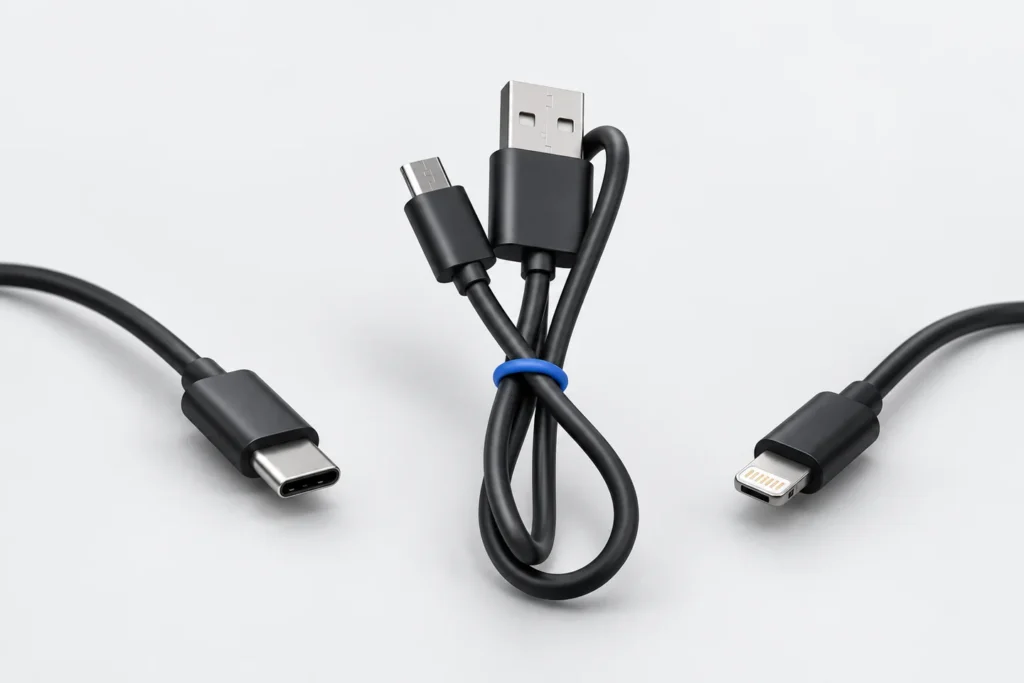
Choose the charging cable for your exact Vip Pro model
Check the equipment name, charging port and supplied accessories before choosing a MicroUSB cable, Bluetooth Pen cable or MegaMini charging setup.
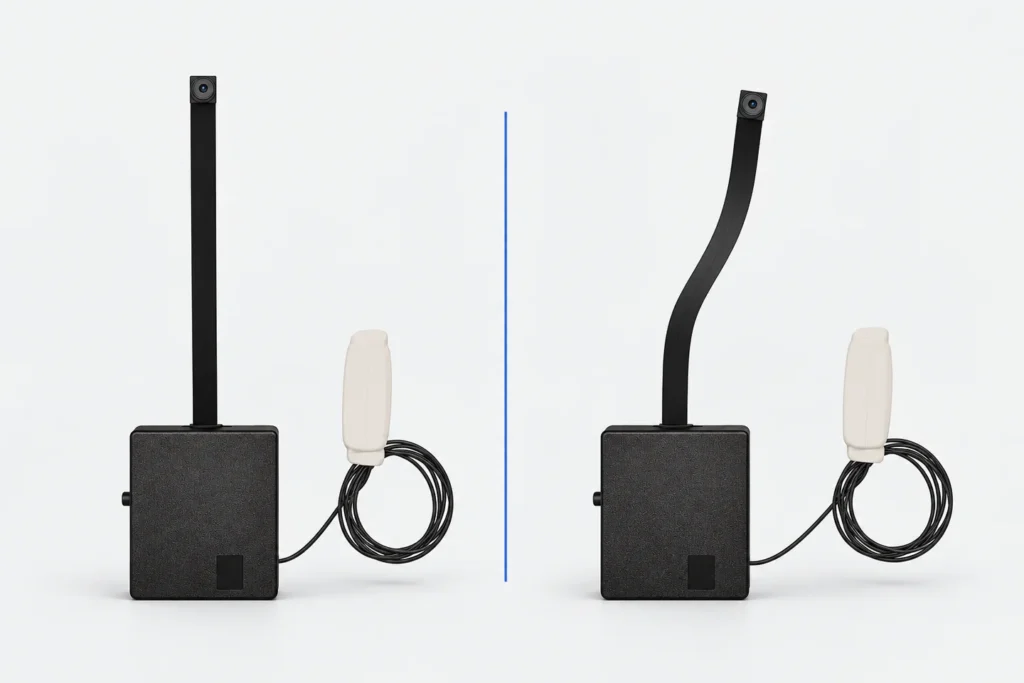
Standard and Pro mini Wi-Fi cameras: compare the setup
Compare the standard and Pro models by the audio arrangement, app, power requirements and selected kit contents before comparing prices.
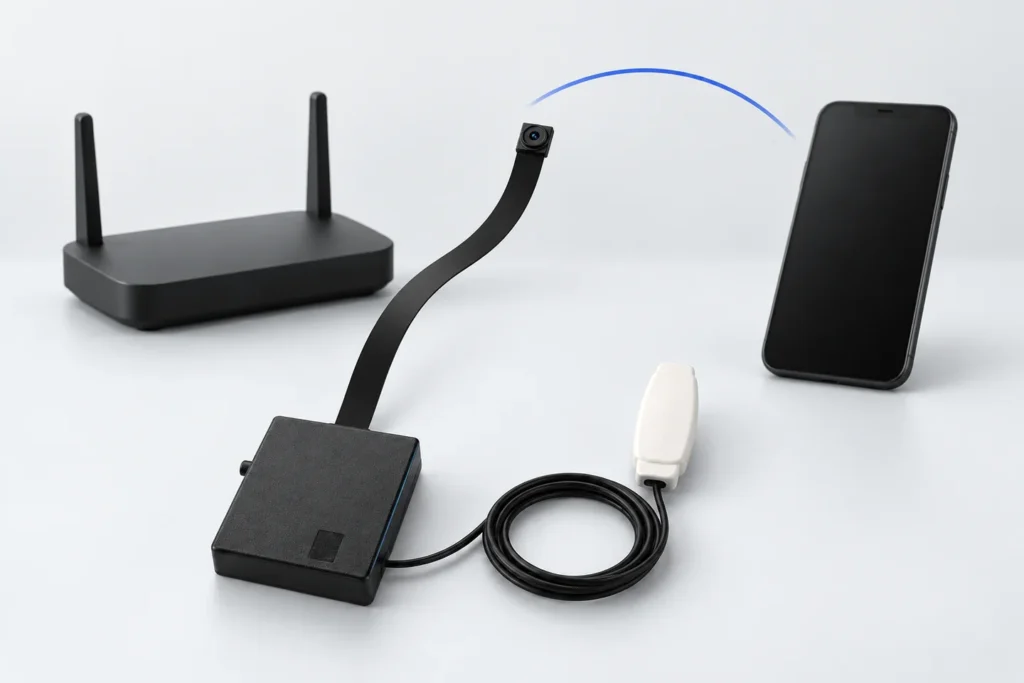
Mini Wi-Fi camera setup: check the connection in order
Check 2.4 GHz Wi-Fi, power, the configuration phone and internet access in the sequence used by CooMax camera instructions.
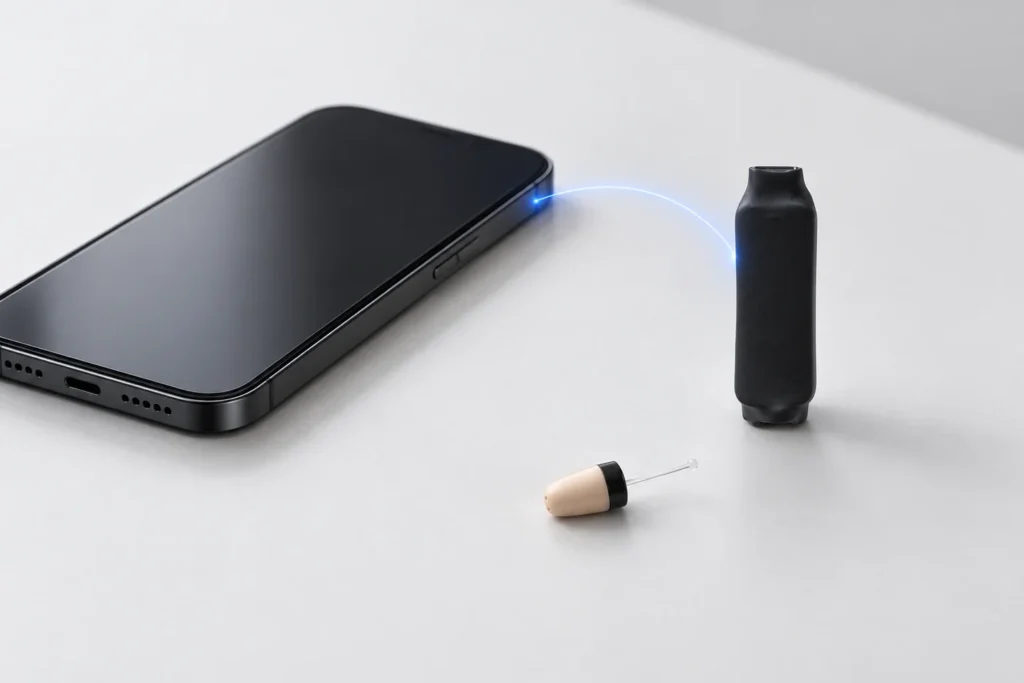
Bluetooth Inductor Piece: a practical pairing checklist
Prepare the Bluetooth Piece, use the correct pairing procedure and test media and calls separately. Keep the miniature earpiece and bridge roles clear.
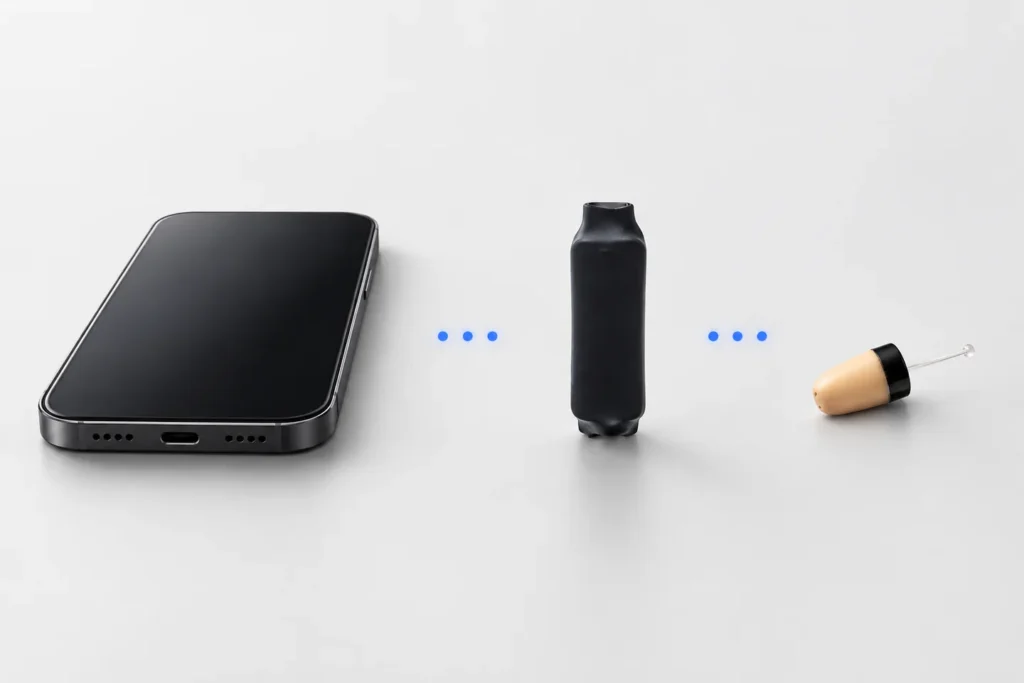
No sound from your Vip Pro earpiece? Check the audio path
For an induction kit, work from source to bridge and earpiece. Check audio routing, battery power and the model’s required induction arrangement.
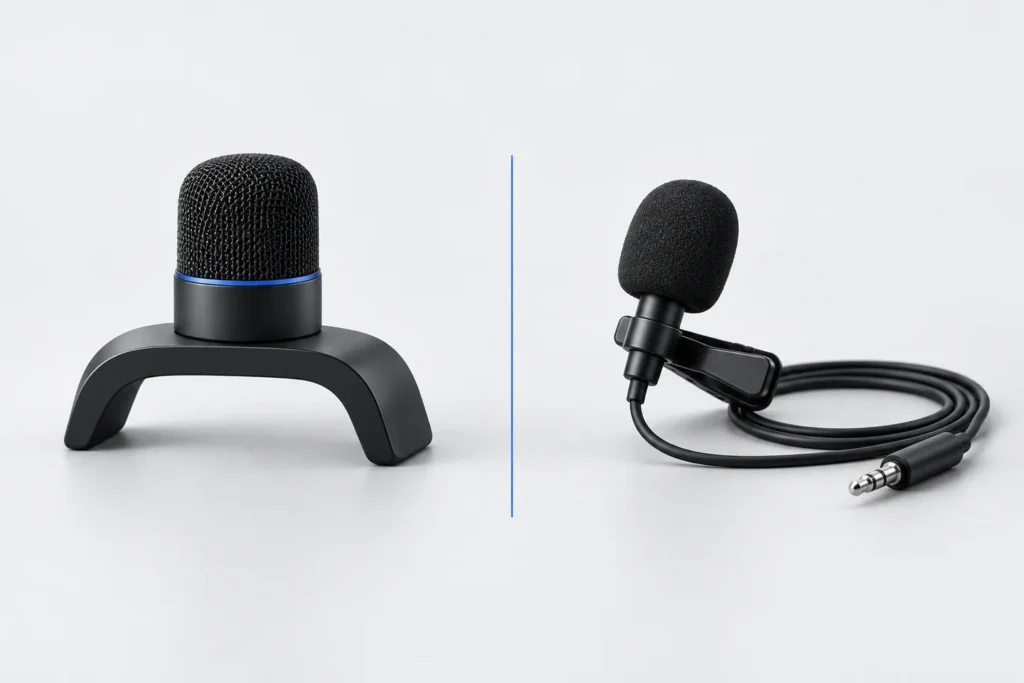
Built-in or wired microphone: what changes in your kit?
A microphone affects the sound your helper receives, while the earpiece handles the sound you hear. Check the microphone option and test both directions.